
Are you ready for the changes coming to QuickBooks Online? The sunset of QuickBooks tags is near, and the S-Corp and Partnership tax deadline is close. It’s important to know how these changes will affect your small business bookkeeping software.
At Quiver Bookkeeping, we’re here to help you through this change. Our team is skilled in quickbooks online bookkeeping. We’ll make sure your construction business bookkeeping stays accurate and smooth. Call us today at (719)203-2063 or email Veronica@QuiverBookkeeping.com to find out more about our services.
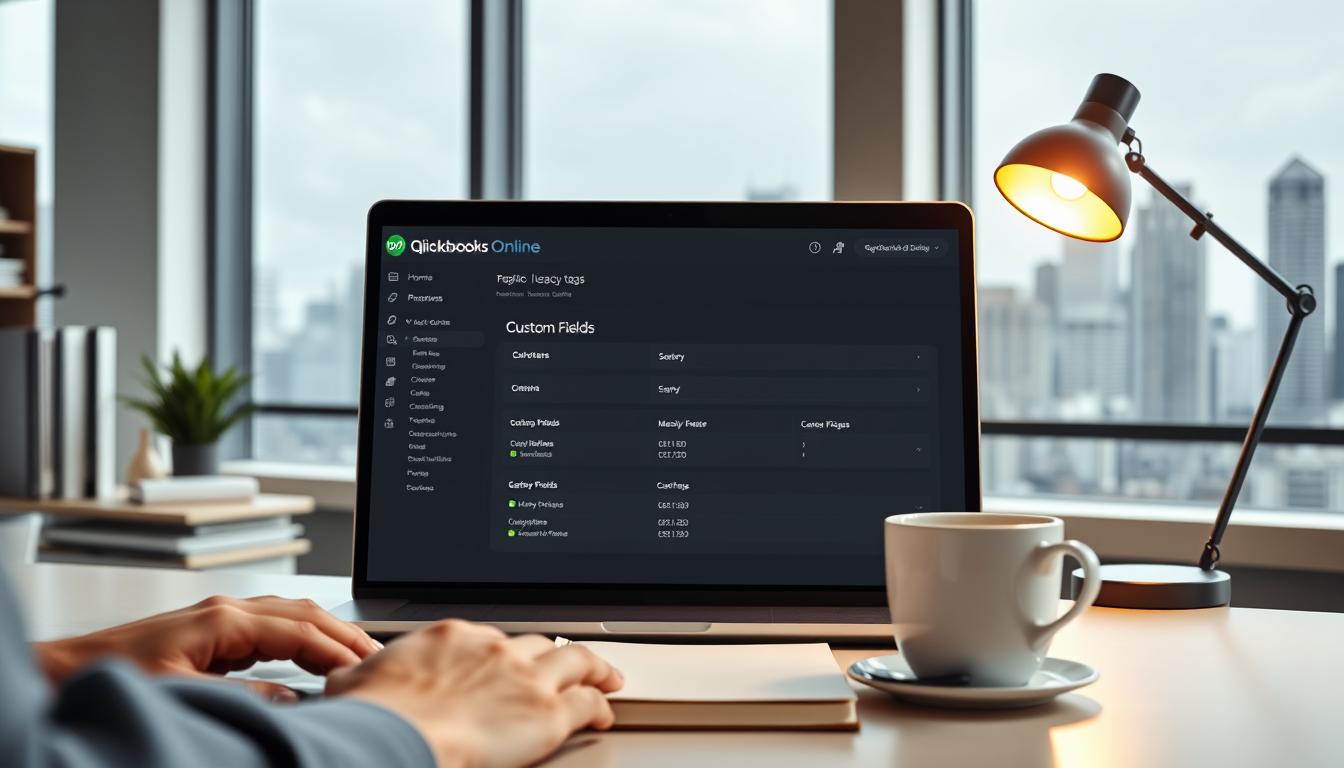
QuickBooks is changing, and one big update is the end of the “Tags” feature. This move is part of QuickBooks’ effort to make its services better. Our team at Quiver Bookkeeping is here to help you through this change.
QuickBooks Tags were used to categorize and track transactions. But, they haven’t been used much. Intuit is stopping Tags because they’re not used often and there are better options like custom fields. Custom fields offer more flexibility and functionality, making them better for managing your construction business’s finances.
The transition timeline is as follows: custom fields will get new features on March 17, 2025. Tags will become read-only on May 16, 2025. After May 16, 2025, QuickBooks Online, QuickBooks Ledger, and Intuit Enterprise Suite (IES) will stop supporting Tags. Mark these dates on your calendar to ensure a smooth transition.
The end of Tags means you’ll need to change how you keep books. Moving to custom fields will let you use more advanced features and track finances better. Our QuickBooks consulting services are here to help you through this change. You can reach us at (719) 203-2063 or email Veronica@QuiverBookkeeping.com for personalized assistance.

QuickBooks is changing, and custom fields are the new tool for bookkeeping. At Quiver Bookkeeping, we’re here to help you make the switch smoothly.
Custom fields in QuickBooks are more flexible than tags. They let you have up to 100 values with a dropdown. This change happens on March 17, 2025.
Custom fields make reporting and analysis better. They help you organize your financial data for better decisions. Our QuickBooks experts are ready to help you use these benefits.
Custom fields have some limits, like needing to move tags to them. Our team at Quiver Bookkeeping can help with this. For expert help, text or call (719)203-2063 or email Veronica@QuiverBookkeeping.com.

Switching from QuickBooks tags to custom fields needs a careful plan. Our team at Quiver Bookkeeping is ready to help. We offer bookkeeping services for small business and QuickBooks consulting services.
First, check your tags and see if you need to make any changes. This makes moving to custom fields smoother. For help, call (719)203-2063 or email Veronica@QuiverBookkeeping.com.
To start, go to QuickBooks Online settings and create new fields. Our QuickBooks consulting services can help make these fields work for your business.
You can move tags to custom fields using a special tool or by typing them in. The tool is usually faster and more accurate.
After moving your data, test it to make sure everything is right. Our team can help with this important step. We offer small business bookkeeping software help.
Need help with switching to custom fields? Contact us for expert advice. We aim to help your construction business with financial guidance and support.
As the QuickBooks tags sunset approaches, getting expert help is key. At Quiver Bookkeeping, we offer top-notch quickbooks for small business bookkeeping services. We aim to help your construction business smoothly transition.
Our team of experts is ready to help you use custom fields effectively. We use the QuickBooks Online desktop app to make the transition easier. This way, you get the benefits of online platforms while keeping things familiar.
By working with us, you’ll get expert quickbooks online bookkeeping services. We also offer small business finance solutions that fit your needs.
To learn more about our services and how we can help your business, contact us today. Call (719)203-2063 or email Veronica@QuiverBookkeeping.com. We’re here to support your construction business with expert financial guidance and practical help for growth.
The QuickBooks tags sunset means the tags feature will stop working in QuickBooks Online. This change was made because tags weren’t used much. Now, custom fields offer more flexibility and better functionality.
The transition plan is clear: custom fields will get new features on March 17, 2025. Tags will only be read-only by May 16, 2025. Make sure to move your tags to custom fields before the deadline for a smooth change.
Losing QuickBooks tags might change how you keep books. But, custom fields bring more options and better ways to handle your money. Our team at Quiver Bookkeeping is ready to help you adjust and keep your books right.
Custom fields are a new tool in QuickBooks Online. They’re more flexible and useful than tags. They help you report and analyze your money better.
Custom fields have big benefits, like better reporting and analysis. They’re more flexible and useful than tags. This makes managing your money easier and helps you make smart choices.
Moving from tags to custom fields needs a careful plan. First, check your tags and plan any changes. Then, create custom fields in QuickBooks and move your tags to them. After that, test everything to make sure it works right. Our team at Quiver Bookkeeping can help with this and offer bookkeeping and QuickBooks services.
Yes, our team at Quiver Bookkeeping is ready to help you. We offer bookkeeping and QuickBooks services to help you. Call us at (719)203-2063 or email Veronica@QuiverBookkeeping.com to learn more.
For a smooth change, prepare your data, set up custom fields right, and test everything. Our team at Quiver Bookkeeping is here to help. We offer finance solutions for small businesses to help you grow.

